iOS Reverse Engineering: Environment Setup and Cracking an App's Sign Algorithm with Frida
About the author. I’m Colin Xiao — an independent reverse engineer, mostly working solo on contract jobs. I dig into compiled code of every kind, including but not limited to: Android and iOS apps, x86/x64/ARM native binaries, packers and obfuscators, DRM and license checks, network protocols and APIs, crypto and signature algorithms, malware, game binaries, and embedded/IoT firmware. I also handle large-scale data collection and vulnerability research. If you have any project in mind, I’d be glad to take it on — whatever it is, as long as it’s within my wheelhouse. Just reach out. You can reach me on X at @colinxiao_lab or on Telegram at https://t.me/ColinXiao666.
This research is published for educational and defensive purposes. The target sample is anonymized throughout.
iOS Reverse Engineering: Environment Setup and Cracking an App’s Sign Algorithm with Frida
Device
- iPhone 5s
- A Hackintosh
Jailbreak
Jailbroke with unc0ver — nothing to elaborate on here.
Environment setup
Install OpenSSH
On the jailbroken iPhone, open Cydia, search for openSSH, and install it.
- Wireless connection
- Put the phone and the Mac on the same network, then connect. Here my iPhone’s IP is
192.168.0.106:
ssh root@192.168.0.106USB connection
USB is faster than Wi-Fi and has no network restrictions. usbmuxd is an open-source library built specifically for this — install it via Homebrew:
brew install usbmuxdusbmuxd ships with iproxy, which makes connecting to the iPhone easy. Since macOS only supports 4-digit port numbers, you map the iPhone’s default SSH port 22 onto the Mac, effectively creating a tunnel between the two:
iproxy 2222 22That maps the device’s port 22 (SSH) onto the Mac’s local port 2222 — to talk to the device’s port 22, just talk to local port 2222. When the terminal prints waiting for connection, the two ports can communicate. Keep that terminal open (closing it tears the tunnel down), open another terminal, and connect with the default password alpine:
ssh -p 2222 root@127.0.0.1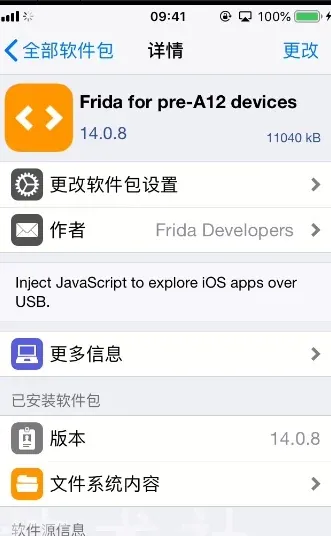
Configure frida
-
Launch Cydia.
-
Add a repo: Sources → Edit (top-left) → Add (top-right) → enter
https://build.frida.re/. -
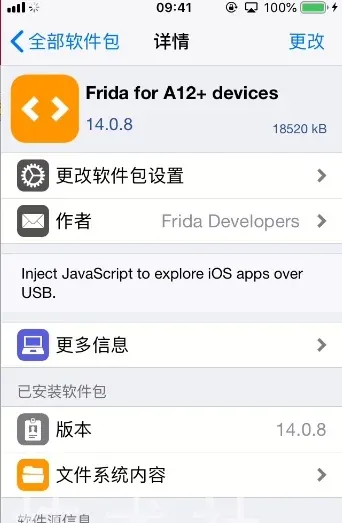
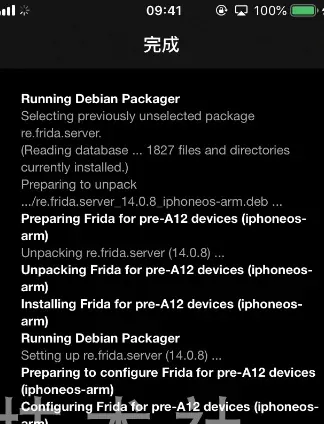
Install the frida tweak from that repo, matching your device: iPhone 5 and earlier are 32-bit; the 5s and later are 64-bit. Go to Changes → find Frida → tap Install. After installing you should see:
On the host, install the tools:
pip install frida-toolsShell smashing with frida-ios-dump
git clone https://github.com/AloneMonkey/frida-ios-dump.git
cd frida-ios-dump
sudo pip3 install -r requirements.txt --ignore-installed six- List the installed apps and their bundle IDs:
python3 dump.py -l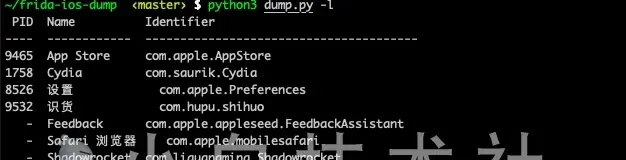
- Dump. You can target by name, or fall back to the bundle ID if the name doesn’t work:
python3 dump.py com.hupu.** -P***I used the bundle identifier, analogous to an Android package name. If you changed the OpenSSH password, pass the new one with -p; note dump.py defaults its iproxy forwarding to port 2222.
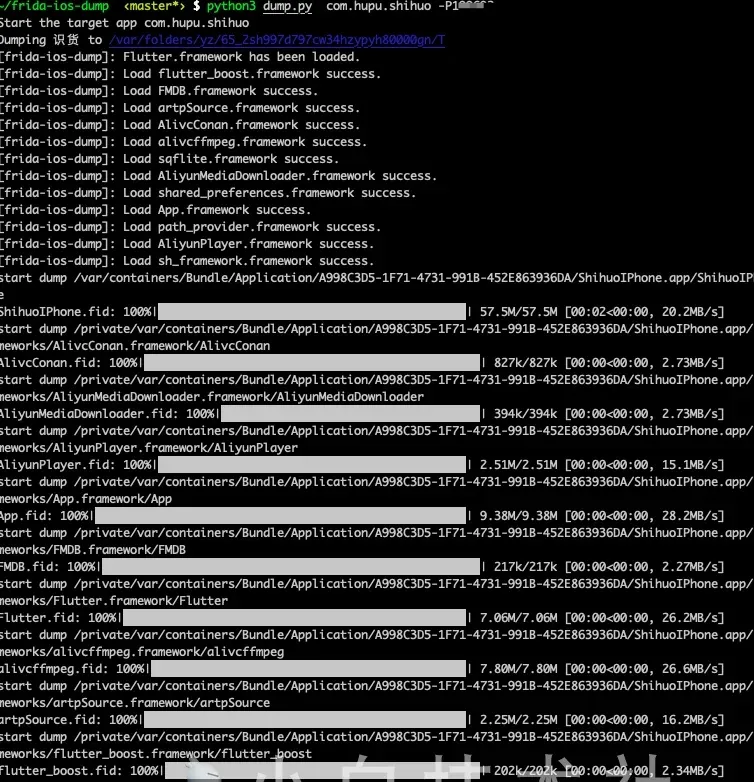
Done. You’ll see the smashed .ipa in the current directory.
Decompiling
Unzip the .ipa, “Show Package Contents”, and find the Mach-O binary:
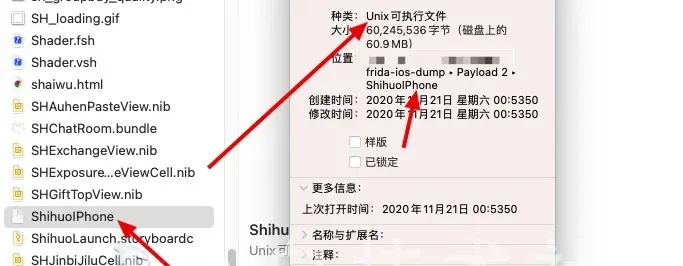
Drag it into IDA:
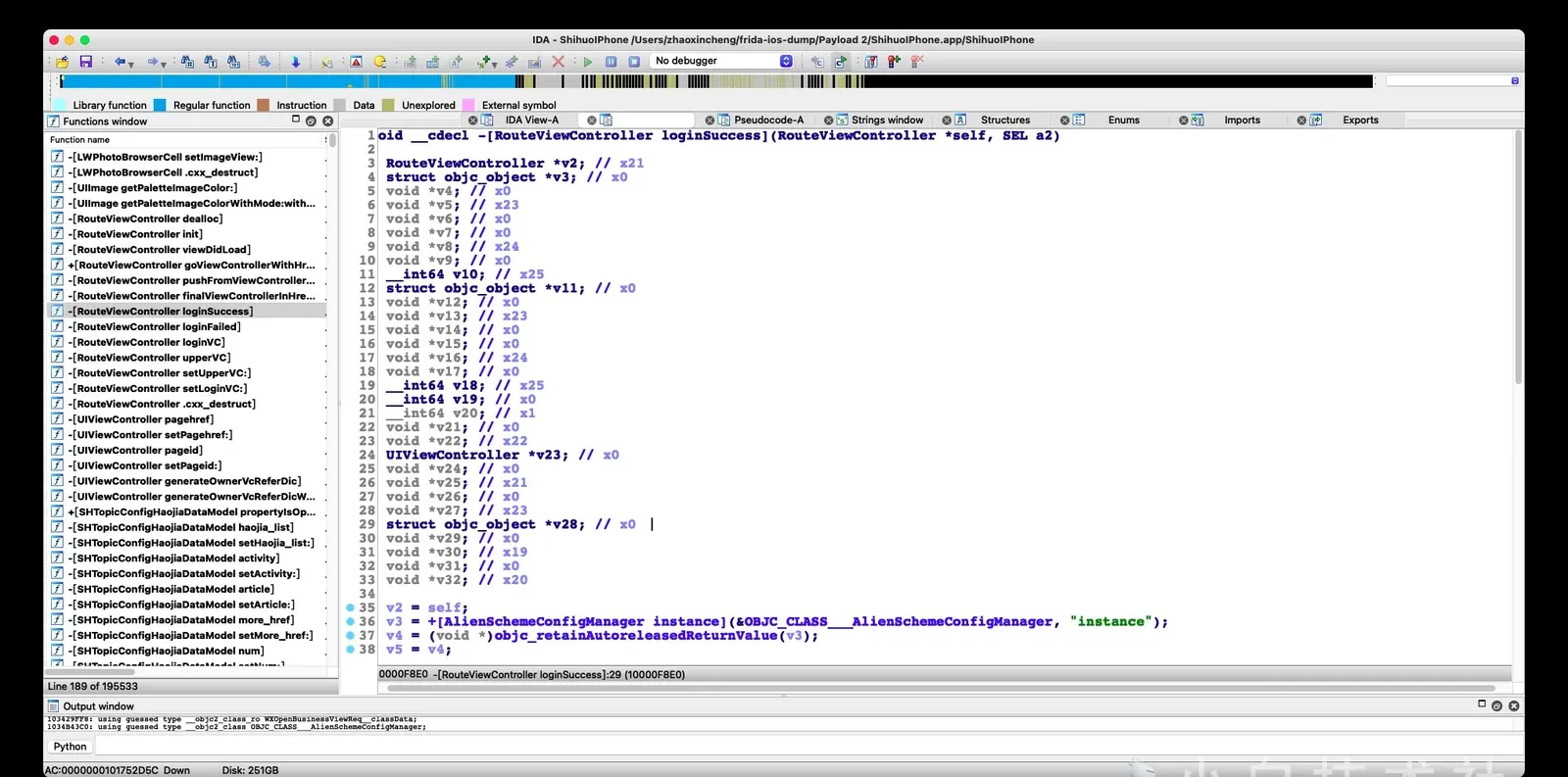
Troubleshooting
unable to launch iOS app: The operation couldn't be completed. Application "" is unknown to FrontBoard.— open the app and grant permissions.- If frida can’t connect and prints
Failed to enumerate applications: unable to connect to remote frida-server: Unable to connect (connection refused), check the on-device frida version and whether you picked the right 32-bit vs 64-bit build. The iPhone 5 is 32-bit; the 5s and later are 64-bit. - If you hit
frida.InvalidOperationError: script is destroyed, quit the app, reopen it manually, wait for it to finish initializing, then run the dump script again — this avoids the issue after frida attaches. - If you hit
frida.ProtocolError: unable to communicate with remote frida-server; please ensure that major versions match and that the remote Frida has the feature you are trying to use, the host and device frida versions are mismatched. Upgrade the device to the latest and runpip3 install -U fridaon the host.
Cracking the sign algorithm with frida
frida-trace is genuinely convenient. Open the target app and trace it:
frida-trace -U -i CCCrypt <pid>  # AES encryption/decryption
frida-trace -U -i CC_MD5 <pid>   # MD5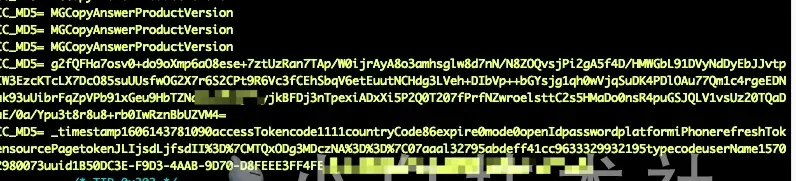
You’ll see what looks like a Base64 string and a URL after sorting. First, MD5 the plaintext:
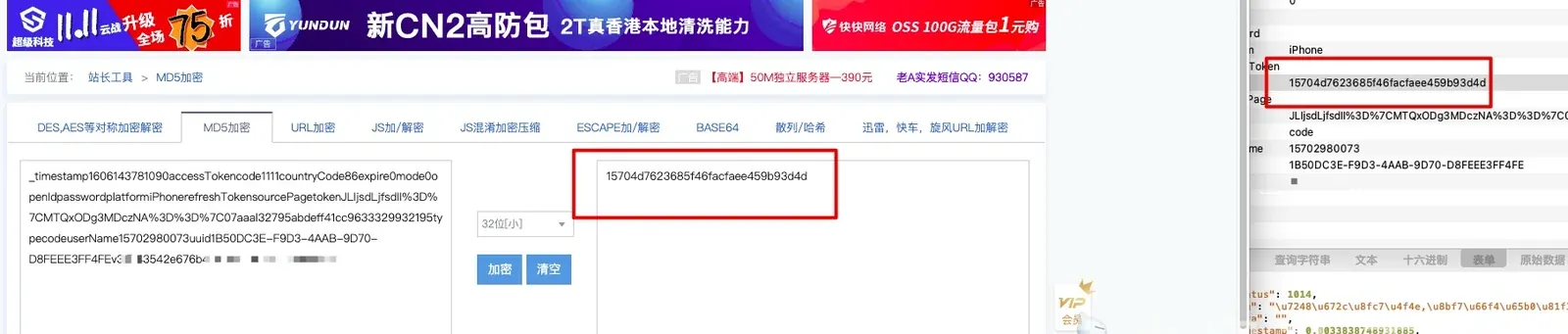
Comparing them, the algorithm is cracked. Next, the AES side:
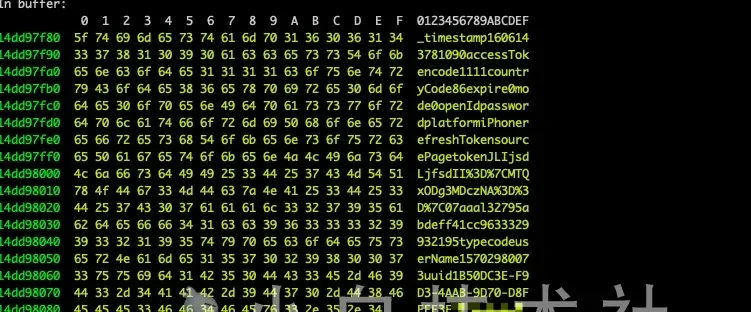
You see Base64. Since the Android version of this app was already cracked, I knew the iOS version would also use AES — and that AES-encrypting then MD5-ing gives the newSign. After pulling the key from the trace, decrypt directly:
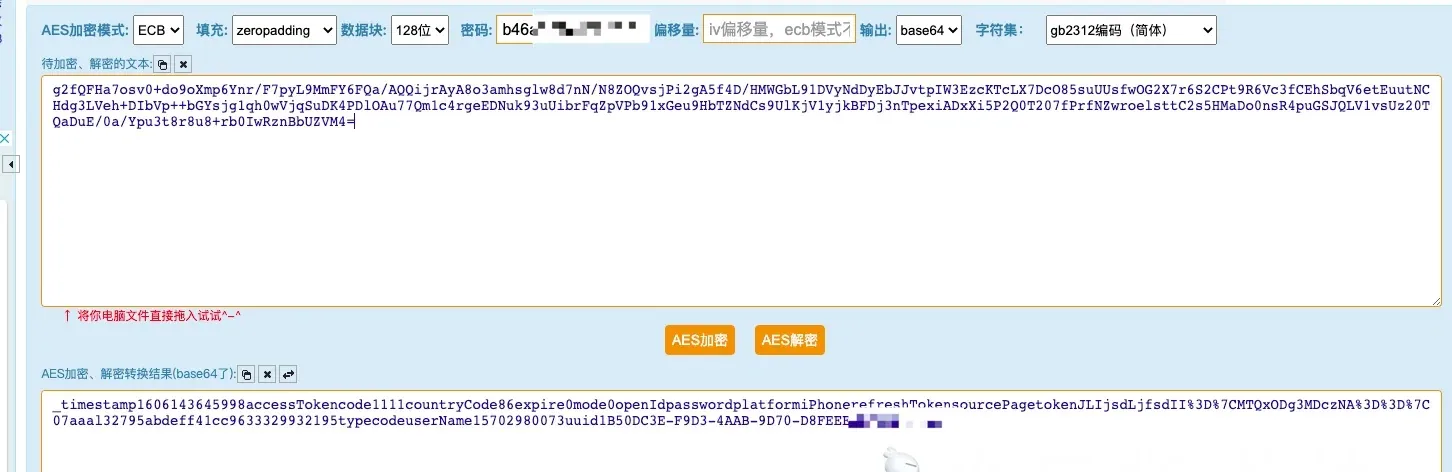
Then MD5 the result to check:

And that’s it — done.
Colin Xiao — I take on contract reverse-engineering work, and writeups like this are how I show what I can do. If you need help with anything in this space — including but not limited to the areas I cover above — I’m available. No project is too big or too small — if it’s reverse engineering and I can do it, I’ll take it. DM me on X (@colinxiao_lab) or Telegram (@ColinXiao666).
Get in touch